- home
- Games
- News
Game News
December 30, 2025
If you create Roblox videos, cinematic edits, thumbnails, or just like to explore games from unique angles, Free Cam is one of the most useful built-in tools you can know about. In simple terms, it lets you detach the camera from your character and freely move around the map, giving you smooth shots that are impossible with normal gameplay movement.
When activated, your character stays in place while the camera glides through the environment. This is commonly used by YouTubers, TikTok creators, developers, and players who want unique camera angles or better screenshots. Here’s how to enable it in games that support it, how to control, and a few tips to get the best results for your pictures and videos!
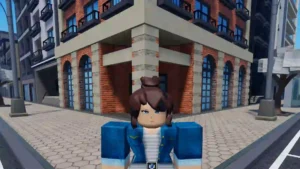
If you’re playing a game, such as Dress to Impress, which supports freecam, follow these steps to get it running:
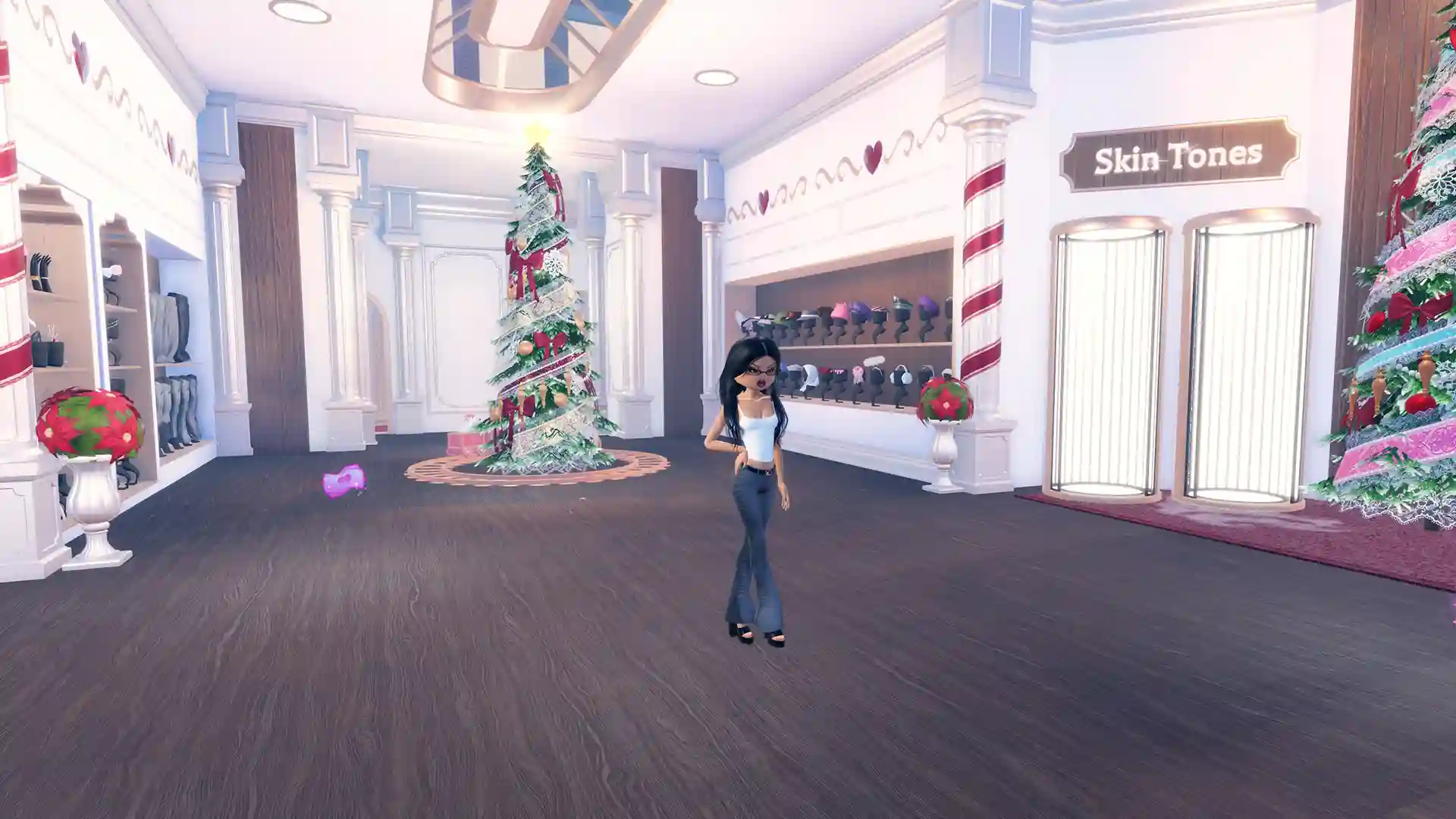
If done correctly, your camera will detach from your character and you will be able to move freely around the map. If nothing happens, the game likely blocks Free Cam or another program is interfering with the shortcut.
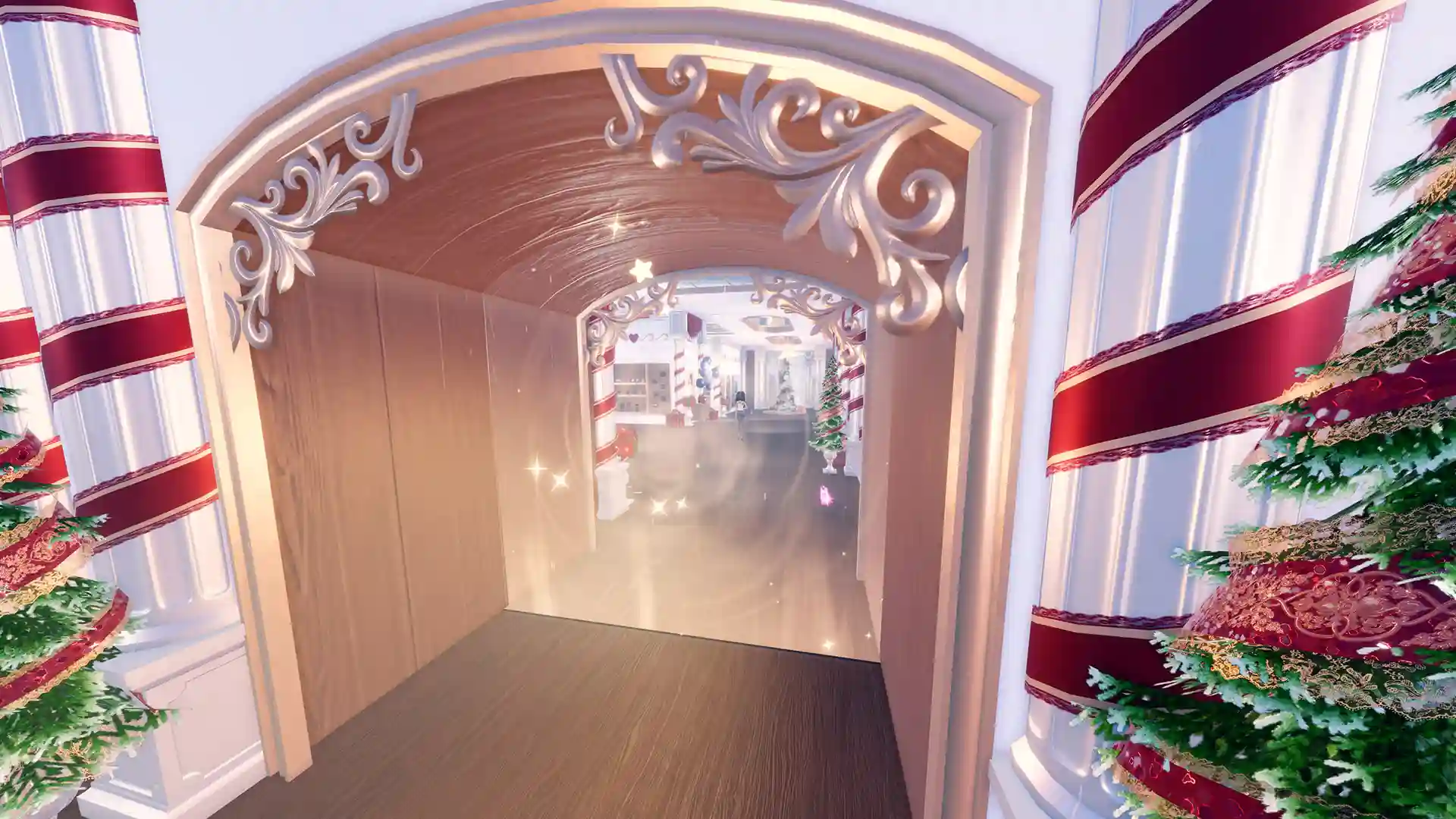
Once Free Cam is active, use these controls:<
This feature is useful for recording cinematic intros and outros, capturing wide map shots for thumbnails, especially to showcase your builds/outfits, making edits and short-form videos, and creating roleplay scenes without visible UI/HUD.
That was all about using FreeCam on Roblox. If you’d also like some Roblox skin tone hex codes for your fashion or avatar games, our linked guide has a curated list.